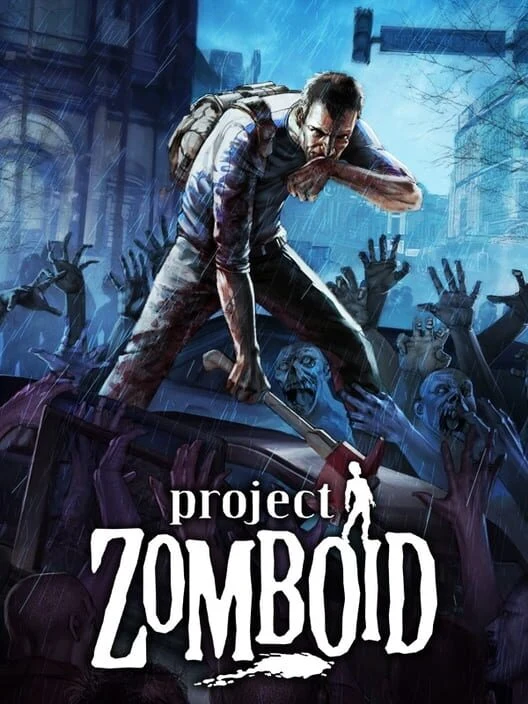

Mod Options
Mod Options provides a shared settings interface for compatible Project Zomboid mods. It lets supported mods expose configuration controls through a consistent in-game menu instead of requiring manual file edits.
Installation:
- Subscribe on the Steam Workshop page.
- Enable Mod Options and any dependent mods for the current save or server.
- Place dependencies before mods that require them when adjusting the load order.
Check the Workshop description for the supported Project Zomboid build. Multiplayer servers and connecting clients should use compatible mod versions.
Installation:
- Subscribe on the Steam Workshop page.
- Enable Mod Options and any dependent mods for the current save or server.
- Place dependencies before mods that require them when adjusting the load order.
Check the Workshop description for the supported Project Zomboid build. Multiplayer servers and connecting clients should use compatible mod versions.
0 downloads
Sign in to continue
