Overview
POST (Power-On Self Test) Codes provide diagnostic capabilities for testing hardware functionality during the power-on phase of the console.
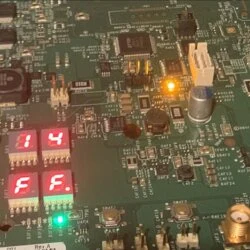
By default, the Xbox will publish POST / error codes on the Soutbridge I2C bus for a specific 7-Segment-Display controller IC to use. Practically this was only utilized on rare, internal prototype development kits.
Luckily though, the functionality is active on retail consoles still!
Technical details: POST - Xbox One Research wiki
Requirements
To gain access to these diagnostic codes, there are two methods to achieve it.
Via Raspberry Pi Pico
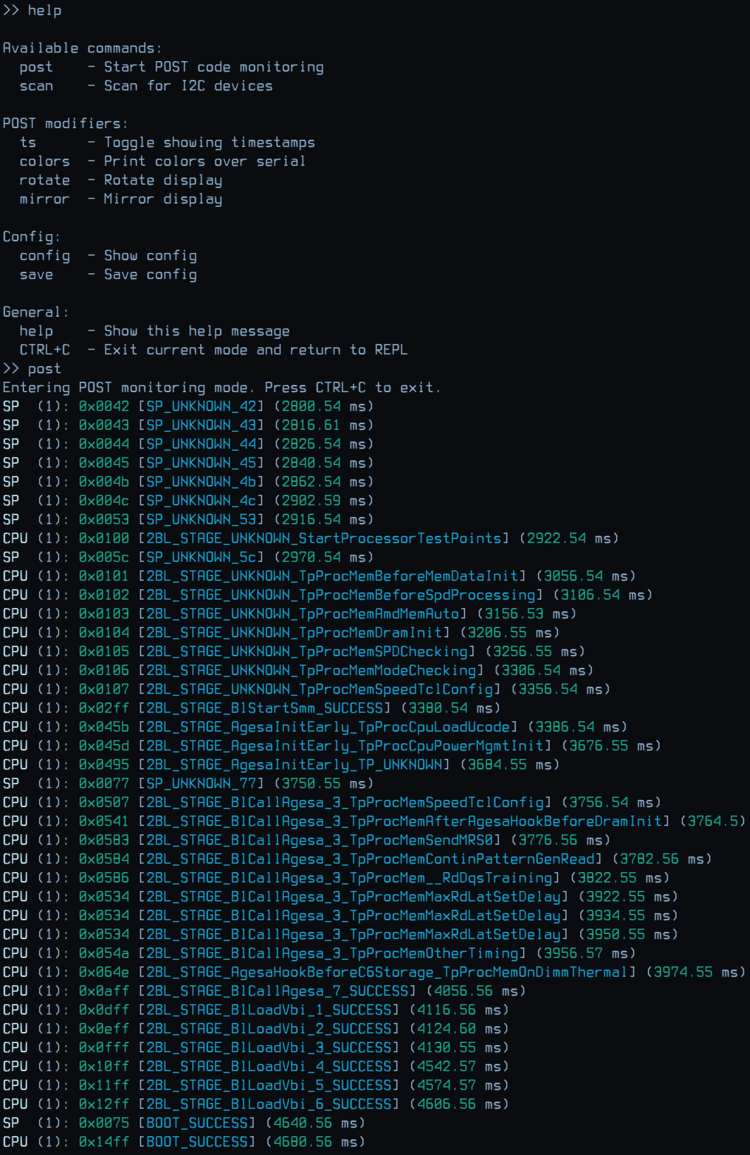
In this case, the RasPi Pico simulates the MAX6958A IC's slave-address on the I2C bus and listens to incoming codes that way. Additionally, it opens a UART interface and also displays received codes on an OLED display.
Website: https://github.com/xboxoneresearch/PicoDurangoPOST
Video by craftbenmine: https://www.youtube.com/watch?v=BuPhxKdxU0g
Required Hardware:
- Raspberry Pi Pico
- Optional: Small OLED display (0.91" OLED Display SSD1306)
- Some wires
- Soldering skills
Please refer to the project's repository to get the up-to-date installation and usage instructions.
Via native MAX6958A circuit
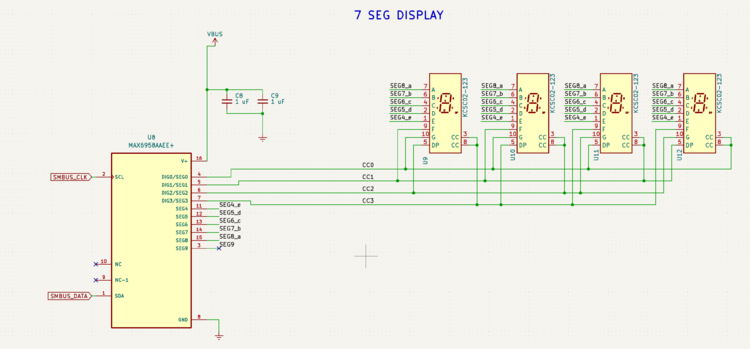
You can also build the original circuit, found on previously mentioned prototype consoles.
Components:
- MAX6958A
- 4x 7 Segment Display (Common Cathode)
- 2x 1uF capacitors (for voltage stabilization)
Here is a schematic.