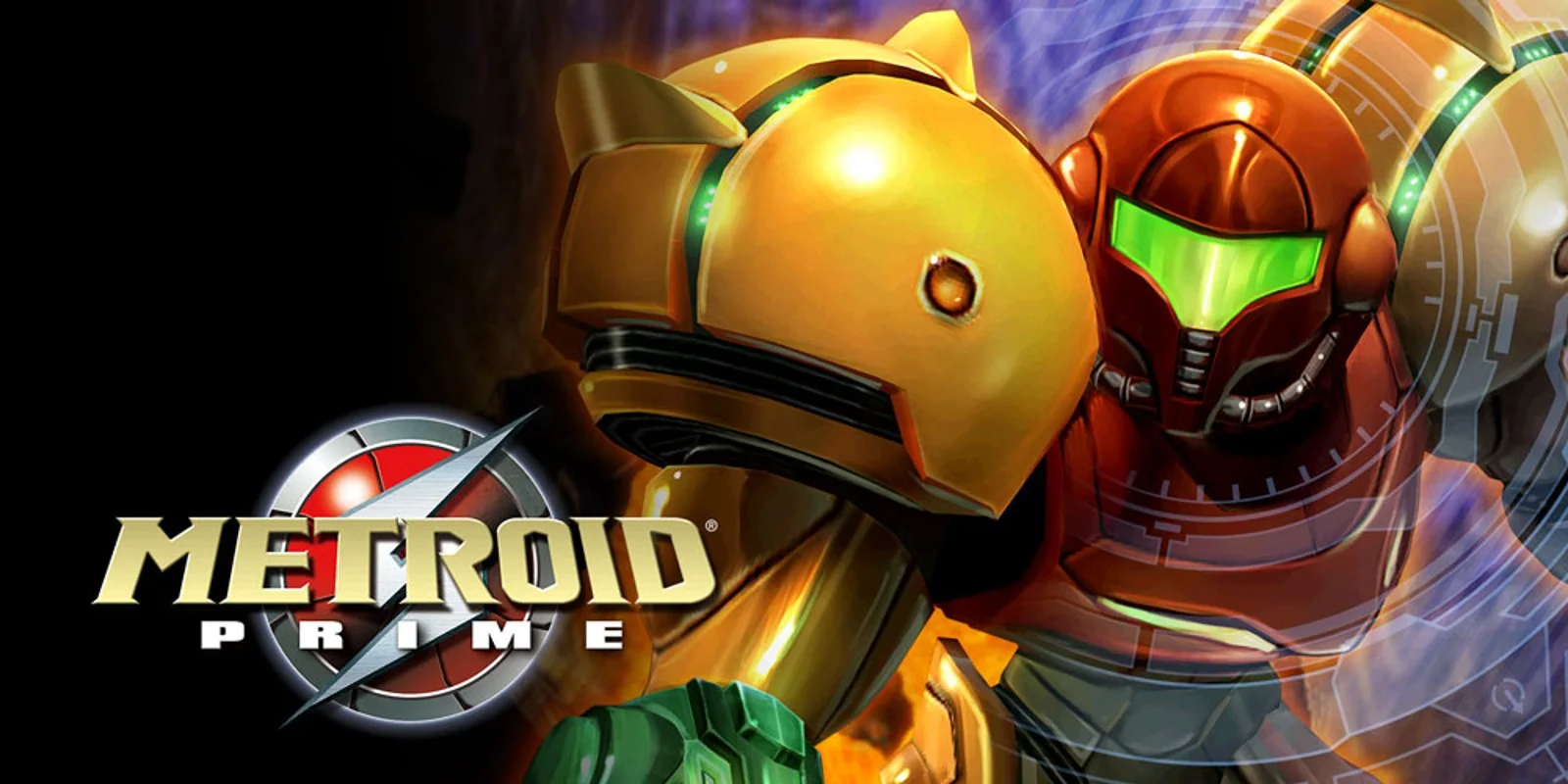

PC gamers looking to experience a classic Nintendo GameCube masterpiece can now dive into an impressive new release. An unofficial, native PC port for Metroid Prime has been released, bringing a host of modern features to the legendary 2002 console-exclusive title while keeping the original game intact.
Modern Graphics and Customization
While the port maintains the game's original 60Hz logic, it completely removes the frame rate cap, allowing players to run the game at higher frame rates smoothly. It also includes comprehensive display options, such as:
Support for 4:3, 16:9, and window-based widescreen modes
Adjustable Field of View (FOV)
Multi-Sample Anti-Aliasing (MSAA) and anisotropic filtering support
Custom texture packs, HD textures, and mod support
Upgraded Controls and Quality-of-Life Features
One of the most exciting additions is full support for modern control schemes. Players can finally enjoy Metroid Prime using a fully remappable mouse and keyboard setup or a gamepad. Additional control settings include custom deadzones, mouse sensitivity, aim inversion, crosshair adjustments, and gyro aim.
The port also introduces several handy features for speedrunners and casual players alike:
Save states and skippable cutscenes
A built-in speedrun timer with LiveSplit support
An advanced tracking system for items, scans, rooms, and the complete map
Gameplay tweaks like Fast Morph, Spring Ball, Toggle Lock-O, and Sticky Charge
Support for randomizers, Archipelago, and GameCube memory card saves via GCI files or raw card images
Getting Started
Although the project is currently in beta and may feature minor bugs, it is already in a highly playable state. As with native PC recompilations, the download does not include any copyrighted assets, meaning players must provide their own ROM file to play.
Check out the download here.
Reader discussion 0
Metroid Prime Unofficial Native PC Port Released With Mouse & Keyboard Support
Reactions and useful context from the GlitchMod community.
Start the conversation with your take on this story.